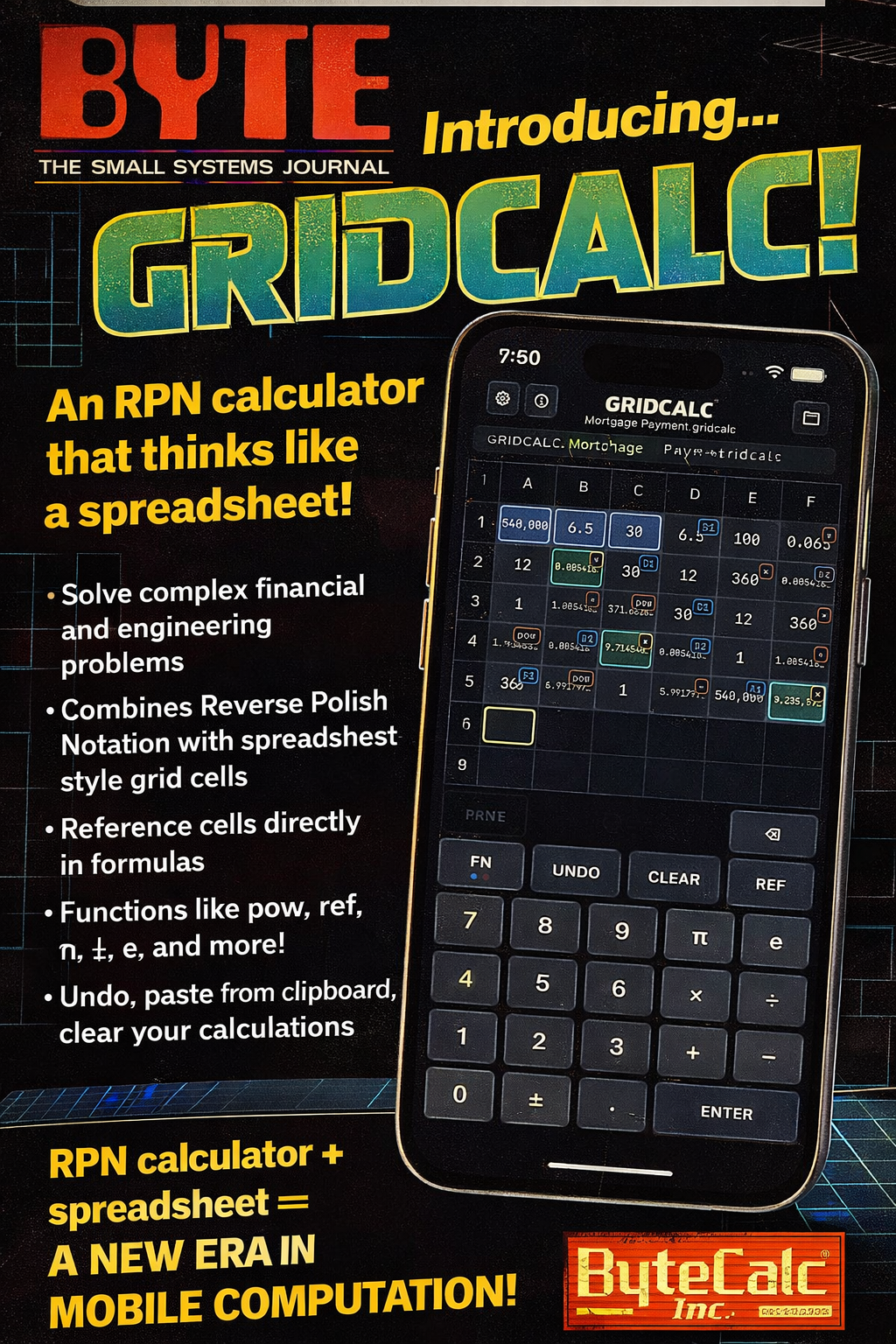
GridCalc
An RPN Spreadsheet for iOS
Created Friday 20 February 2026
I built GridCalc because I wanted a spreadsheet that felt native to a phone and native to my brain.
Traditional spreadsheets are powerful, but on mobile they feel cramped and indirect. RPN calculators are efficient, but ephemeral. I wanted something that combined:
- The clarity of Reverse Polish Notation
- The reusability of spreadsheets
- A visible, persistent program
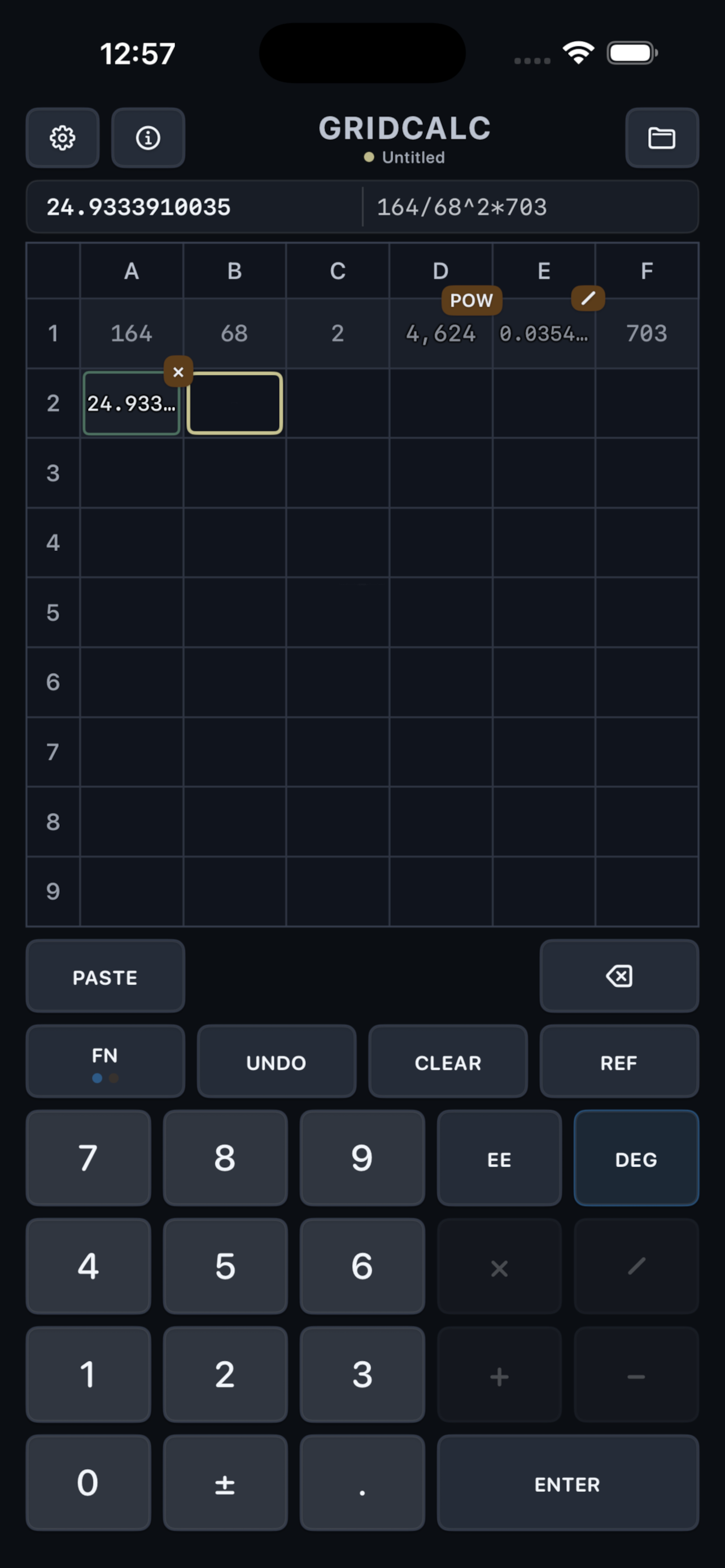
The result is a grid where every input and operation becomes a cell. The grid is not a table of data interspersed with opaque formulas; the grid is the formula.
The seed: Forth and touchscreens
I learned some Forth around 2011. What stuck with me was the flatness of the syntax as much as the stack: words, space-separated, linear, no parentheses, no precedence, a stream of tokens in plain sight.
It felt like a language that wanted to be handled like physical tokens, where you drag words around, reorder them, insert one between two others, and treat the code as something you can literally move with your hands.
I never prototyped that idea, but it never went away.
The notebook sketch
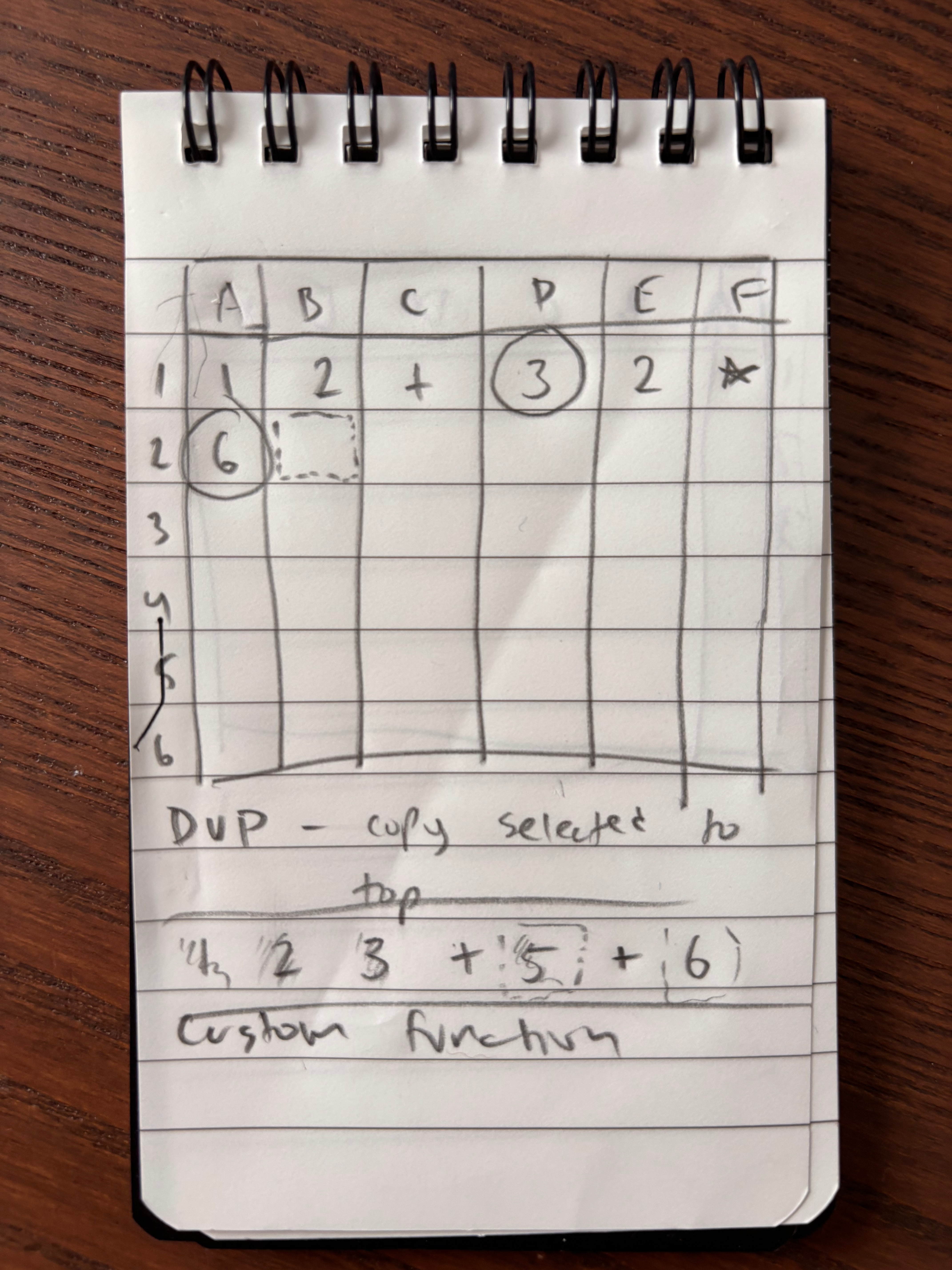
In early February 2026 I woke up and drew a sketch of a grid on a tiny 3x5 notepad. The idea was simple:
- Computation flows left to right, then top to bottom.
- Each entry is permanent.
- The grid is a linear program with a 2D coordinate system.
Unlike a free-form Forth editor like I'd imagined previously, in the grid, only structurally valid manipulations are possible. The grid records both the data and the operations. History is not hidden behind an "equals" key.
That sketch clarified and unified the three ideas defining the model:
- RPN for efficiency, but augmented with a persistent and visible history
- Spreadsheet grid that allows for intuitive retroactive input tweaking, and cell references for reusability later in a program
- Combining these affordances visually into a single compact grid
Why mobile spreadsheets feel wrong
Spreadsheets are reactive systems. When you change a cell, everything downstream recomputes immediately. That's excellent.
Technically, spreadsheets on phones deliver this. In practice, though, traditional spreadsheets are punishing as mobile interfaces. You tap into a formula bar. You scroll sideways. You lose context. The sheet is there, but the program is buried, and editing an infix formula on a phone keyboard can be particularly frustrating. Mobile spreadsheets are tolerable for data entry or viewing, but frustrating for scratch modeling.
In GridCalc, the formulas are always visible because the grid is the formula. It economizes the creation of formulas on the go. Every input, and every operation, inhabit a visible cell. The grid provides a coordinate system that can be used to refer to previous values, linking them to new calculations. Much of the power of a spreadsheet is thus delivered directly to the mobile user.
UI evolution
My first UI model appended two cells for every operation: one cell for the op label and a second cell for the numeric result. It was clear, but wasted valuable screen space.
My friend Micha Niskin pushed me to combine them, so that every operation shared a cell with its result. That gave the grid a lot more breathing room. Later, another friend, Jesse Lundberg, suggested putting the op in a small badge that lives in the gutter between cells. That change preserved legibility while improving density.
Where RPN fits
If you have not used RPN, the mental model is simple. You push values and then apply operators. For example, instead of typing (3 + 4) * 5 you type 3 4 + 5 *.
That model is fast and easy, once it clicks. A linear instruction stream maps cleanly onto a grid. A similar scheme is the basis for stack machines, which is probably where I first encountered the idea (many of the first Lisp compilers targeted virtual or "bytecoded" stack machines. The JVM is the world's most successful stack machine).
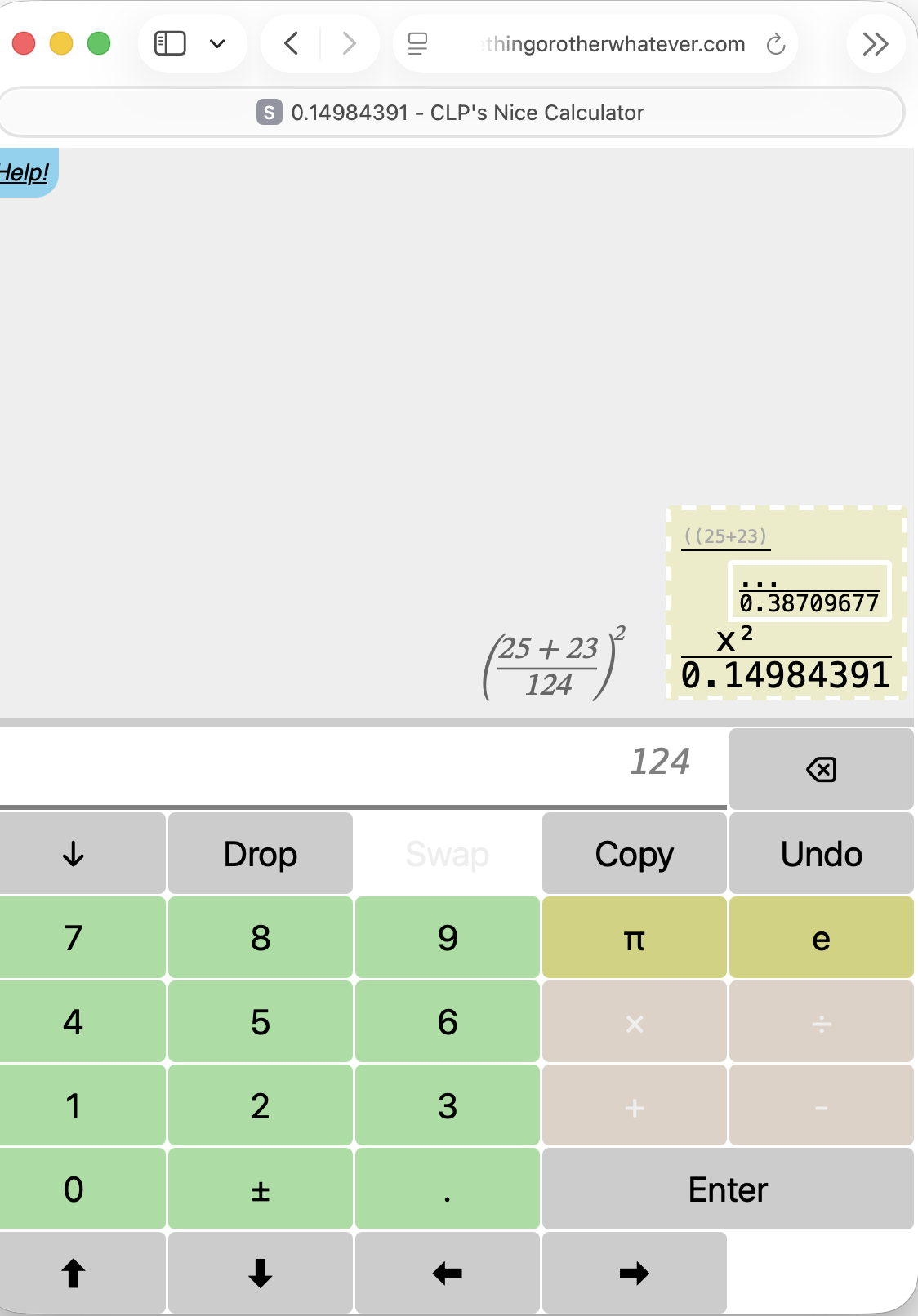
But it wasn't until I encountered Christian Lawson-Perfect's excellent Nice Calculator web app that I started to use an RPN calculator day to day. It renders expressions as editable bubbles in a tree, which is a beautiful UI idea. I wanted that same editability, but with a layout that uses screen space better on a phone, and with a way to refer symbolically to previous inputs and results.
Under the hood
- Exact arithmetic using Constructive Reals in Swift. I learned about Constructive Reals years ago and couldn't resist using them. The engine evaluates lazily and computes only as much precision as needed.
- Spec-generated state machines. The interaction modes, file workflows, and save states are modeled as hierarchically nested states with generated runtime and tests. This became necessary after a three-year old beta tester (my son) managed to deadlock the UI within seconds.
- Aggressive unit testing with XCTest and Maestro.
Note on AI and execution
This project stalled for years because the idea only ever lived in conversations and notebooks. The advent of AI coding tools made it affordable for me to turn it into a working product and iterate quickly. That created a virtuous loop where I could see and share the app, feel the friction, and fix it. The core unification is still human. The speed of execution changed, not the need for taste or intent.
Closing
GridCalc is small and opinionated. It is not Excel. It does not try to be. It is a phone-native tool for scratch modeling with a visible program.
If that way of thinking resonates, you can watch the demo video, see it on the App Store, or join the discussion on Hacker News. I'm happy to answer questions about the design or implementation in the comments there, or at alan@crowncompass.tech.
References